



Pay cash
Your groceries cost EGP 92.50. Pay EGP 100.00 and choose how to receive the EGP 7.50 due back.
 Change Wallet
 is an EGYPTENEUR concept for receiving exact change digitally after a cash purchase at a participating checkout.

The customer journey
Your groceries cost EGP 92.50. Pay EGP 100.00 and choose how to receive the EGP 7.50 due back.
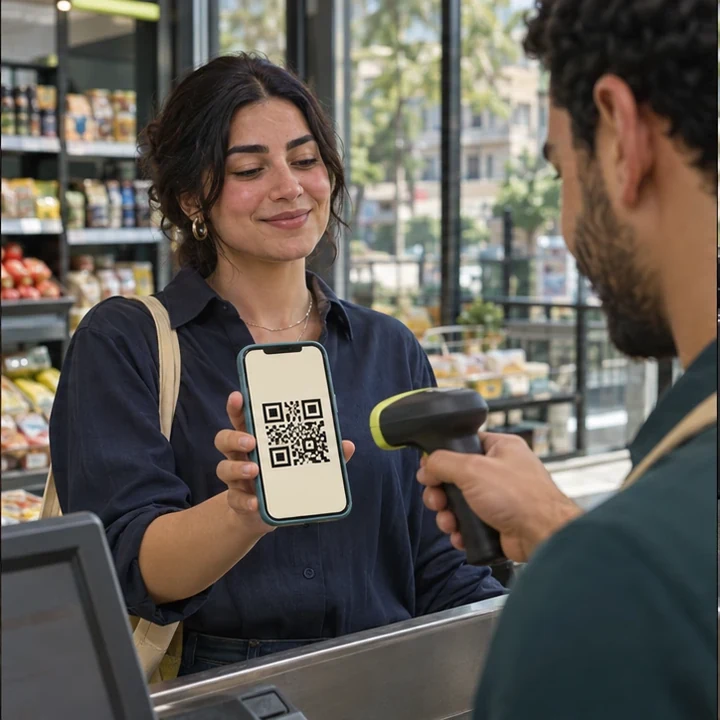
The cashier scans your code. Review the store, amount, receiving account and any applicable fees before approving.
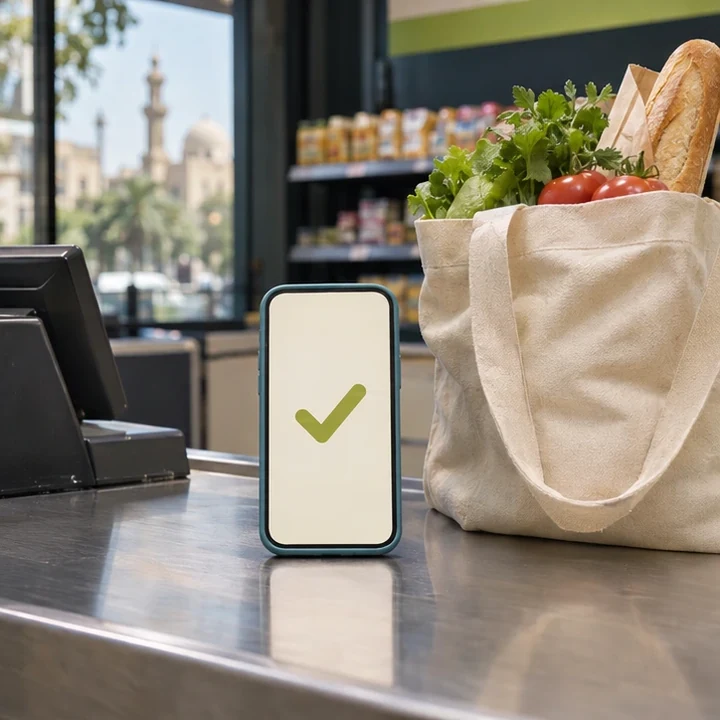
The transfer stays pending until the payment provider confirms it. Then the digital receipt appears in your activity.
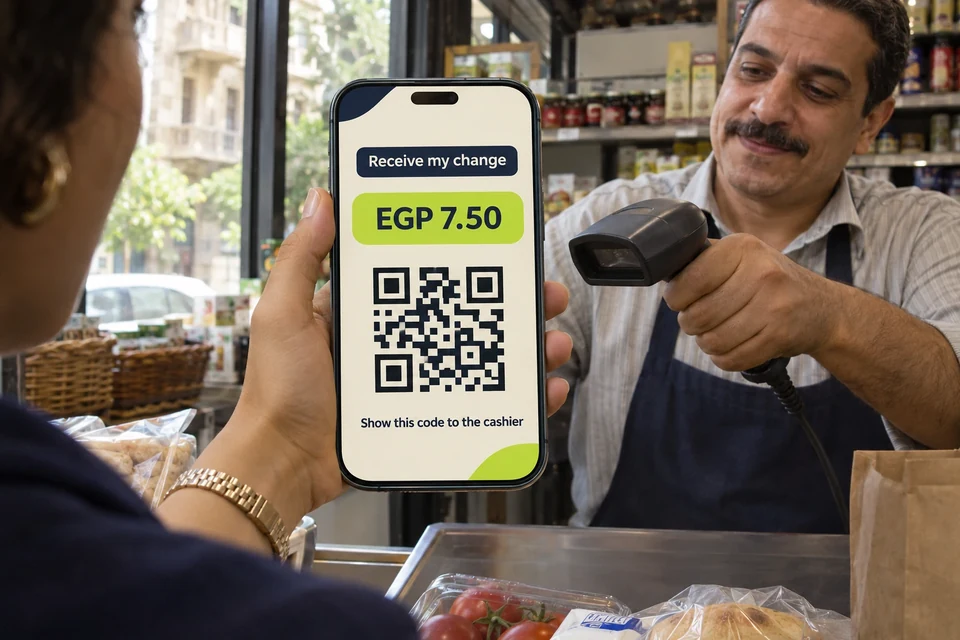
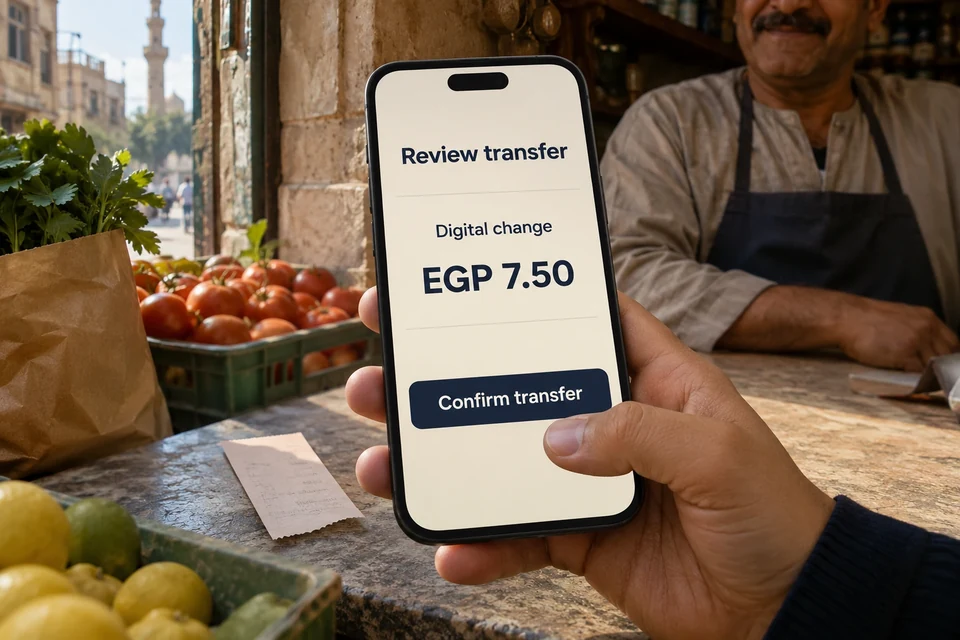
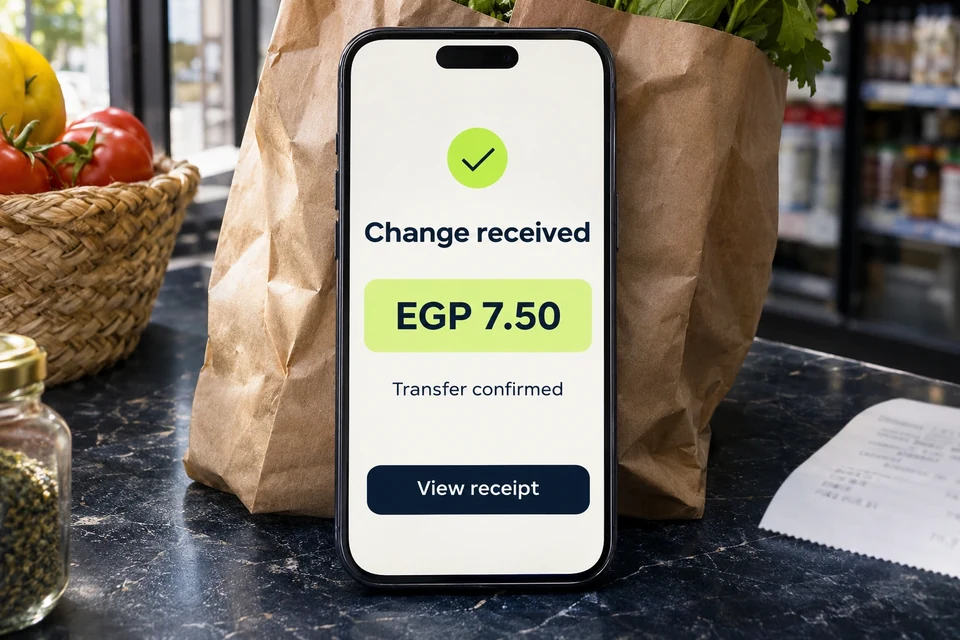
Interactive example
Choose cash or follow the digital transfer from approval to confirmation.
Planned and exploratory uses
These concepts depend on participating merchants, payment providers and supported payment methods.
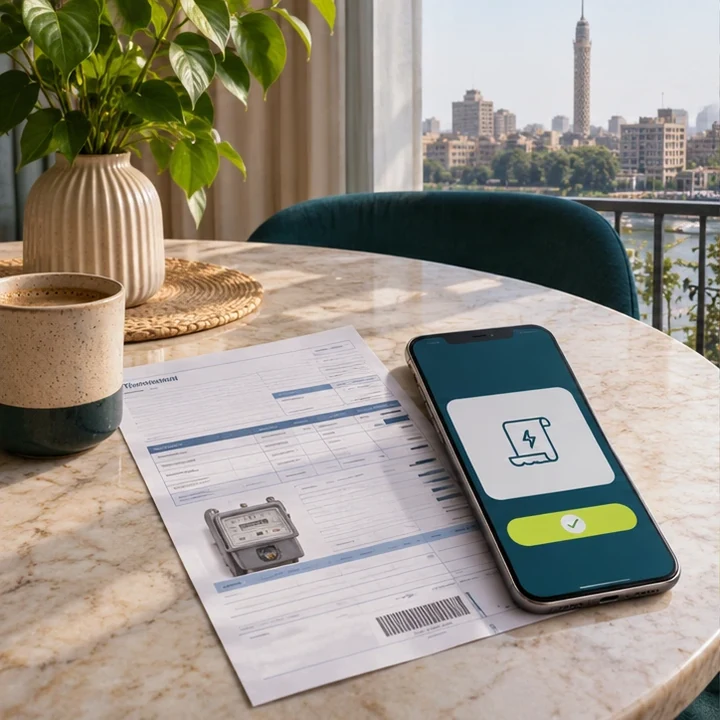
Put confirmed change toward electricity, water, gas, internet, or a mobile top-up. For example, apply EGP 7.50 to a bill of EGP 250.00 and pay the remaining EGP 242.50 with an eligible method.
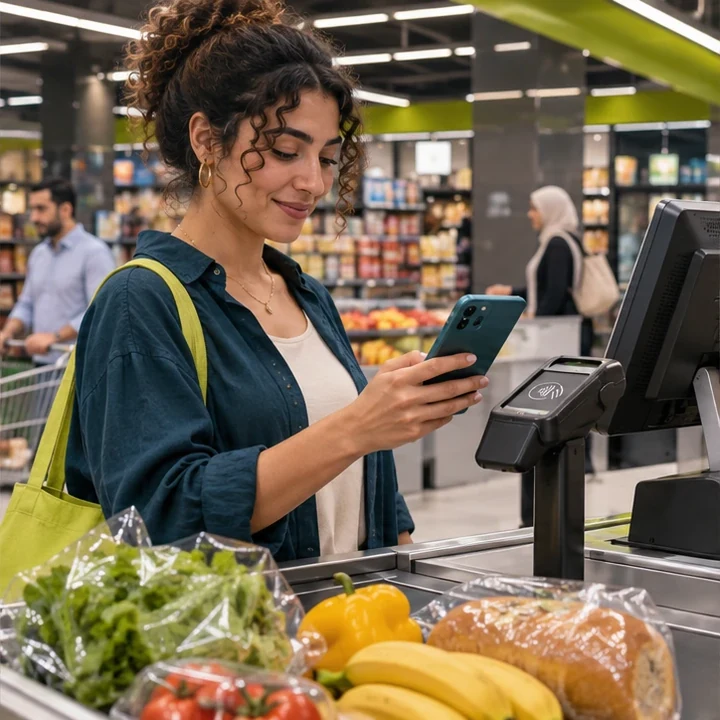
Use confirmed change toward a basket at a participating hypermarket.
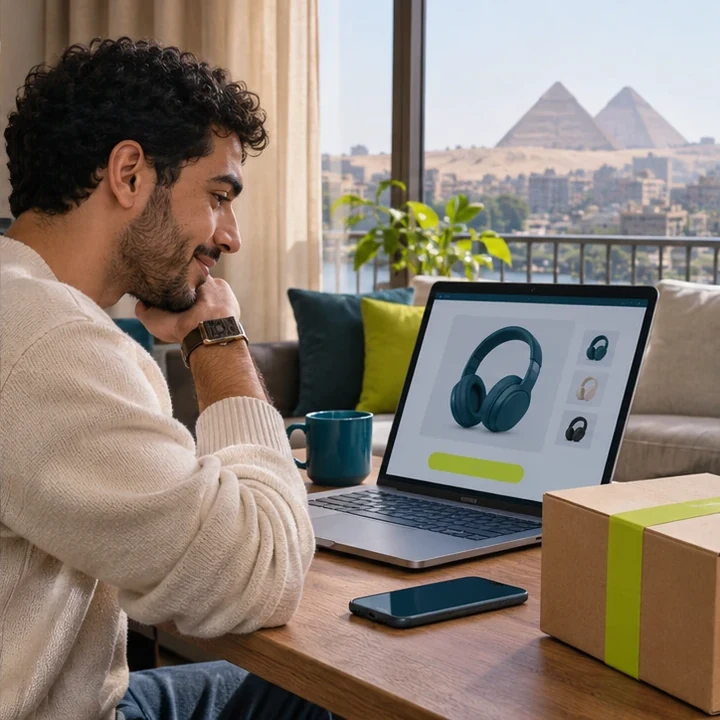
Apply confirmed change to an eligible online order. Amazon, noon and Jumia are examples of marketplaces to explore.
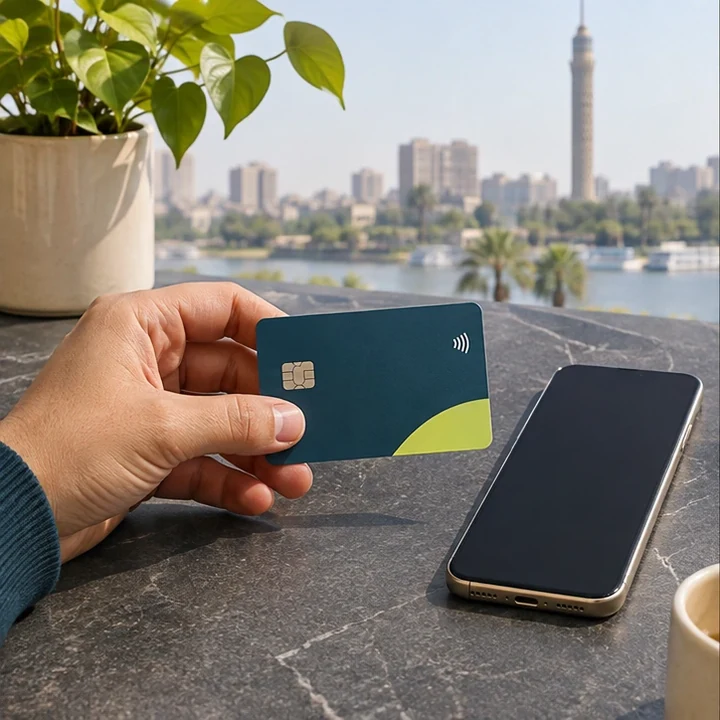
Add funds using an eligible credit card where supported.
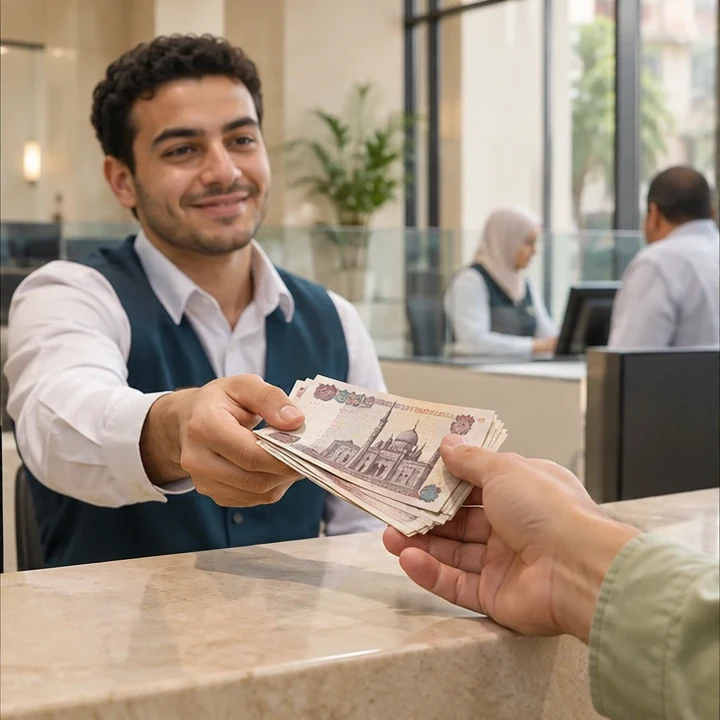
Withdraw eligible funds through a supported cash-out channel.
Set a target and put some of your confirmed change toward it.
A receipt-based claim could let shoppers start without the app. Depending on the provider, they may need to sign in, verify their phone, and link an eligible account. The claim becomes received change only after the transfer is confirmed.
View confirmed receipts in activity. For a delayed or failed transfer, check its status and contact support or the merchant. Cash is available as a checkout option where applicable.
The proposed merchant workflow covers entering the sale, scanning the customer’s code, reviewing the payout, and reconciling confirmed transfers and exceptions.
Our partners: Paymob, PayTabs, Visa, Mastercard.